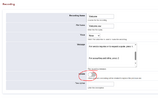
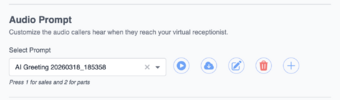
It can be done in FS PBX just as well, but through a different procedure. Instead of going to the Recording Manager, navigate directly to IVR or the ring group. Under the recording name, you can see the transcribed text. You can copy it and then click the plus button to add a new greeting. Paste the original text, modify it, and once you apply it, it will replace the original greeting. Basically the same procedure but done a bit differently. BTW, we were the first to introduce Text-to-Speech functionality for each module. FusionPBX folks followed our lead later.